
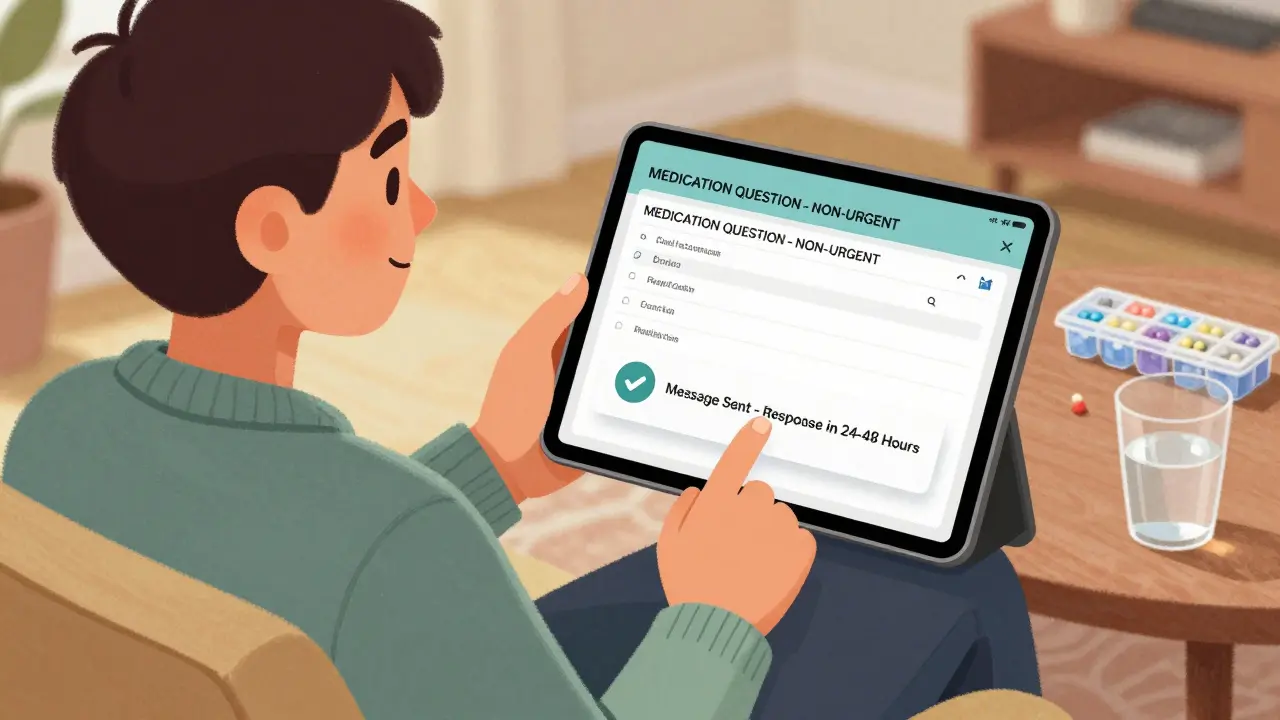
Asking questions about your medications shouldn’t mean leaving voicemails, waiting on hold, or risking your privacy by texting a doctor’s personal number. Secure messaging through your healthcare provider’s portal is now the safest, most reliable way to get answers - and it’s easier than you think.
Why Secure Messaging Is the New Standard for Medication Questions
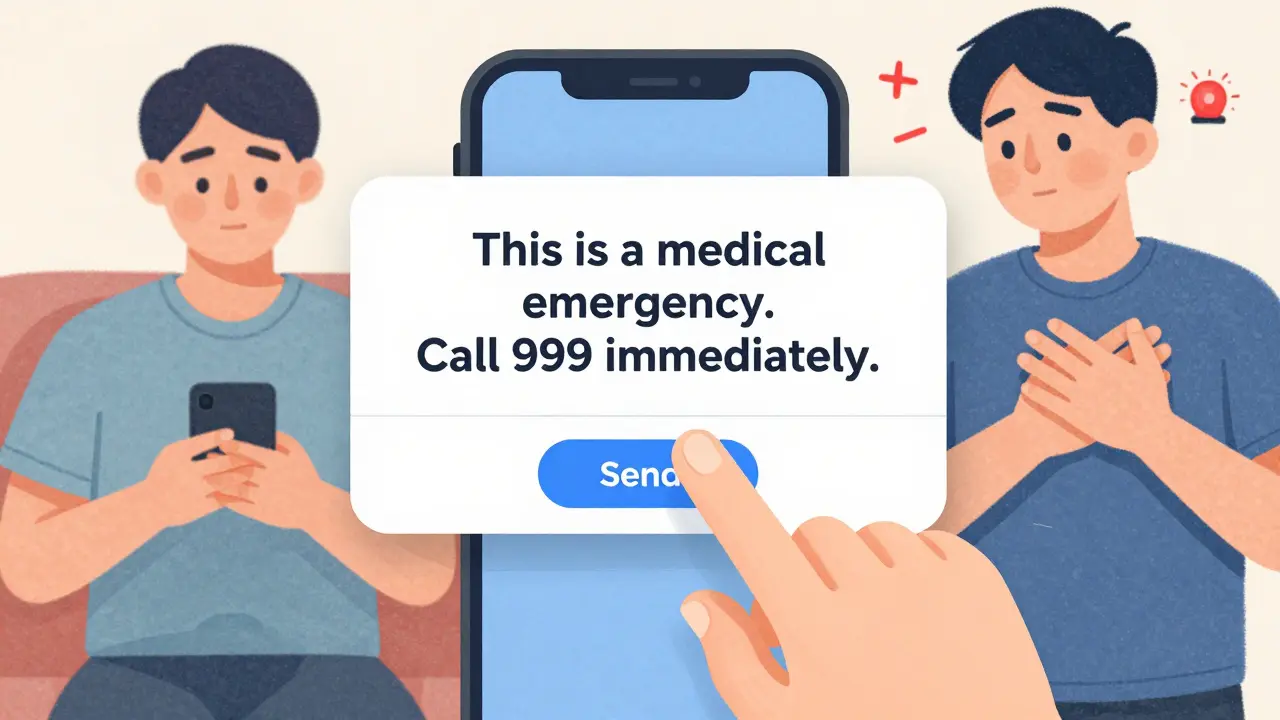
Most people still call their doctor’s office when they have a question about their pills. But phone calls are slow, hard to track, and often lead to miscommunication. In 2024, over 87% of U.S. healthcare systems use secure messaging platforms integrated with electronic health records (EHRs) like Epic’s MyChart, Cerner, or Updox. These systems are encrypted, audited, and HIPAA-compliant - meaning your medication details stay private and legally protected. The shift isn’t just about safety. Studies show that using secure messaging reduces medication errors by up to 28% and cuts down on unnecessary phone calls by 68%. Patients who use it report higher satisfaction because they get a written record of every exchange - no more forgetting what the nurse said. But here’s the catch: secure messaging isn’t for emergencies. If you’re having trouble breathing, breaking out in hives, or feeling dizzy after a new pill, call 999 or go to A&E. Secure messaging is for non-urgent questions only.What Counts as a Non-Urgent Medication Question?
You can use secure messaging for things like:- Clarifying dosage: “Is 10mg once daily correct?”
- Asking about side effects: “I’ve had headaches since starting this medication - is that normal?”
- Requesting refills: “Can I get another 30-day supply of my blood pressure pill?”
- Checking interactions: “Can I take this new vitamin with my thyroid med?”
- Reporting reactions: “My skin turned red after taking this - here’s a photo of the rash.”
- Sudden chest pain or swelling
- Difficulty breathing
- Severe allergic reactions
- Thoughts of self-harm
- Any situation requiring immediate medical attention
How to Set Up Secure Messaging for the First Time
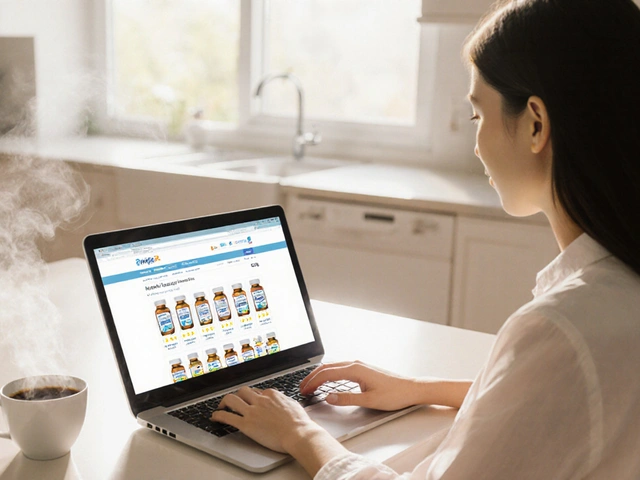
If you’ve never used secure messaging before, start here:- Log in to your provider’s patient portal. This could be MyChart, HealtheVet, or another system your clinic uses. If you don’t have an account, ask your doctor’s office for an invitation code.
- Add your medications to your health record. Go to the “Medications & Allergies” section. Type in each pill you take - brand name, generic name, dose, and how often. If you’re unsure, take a photo of the bottle and upload it. This step alone cuts medication errors by 37%.
- Enable secure notifications. Turn on push alerts in your app. Don’t rely on email - 73% of systems block email for medication messages to protect your data.
- Check your device compatibility. Most platforms need iOS 14+ or Android 10+. Use Chrome or Firefox on your computer if you don’t have the app.
How to Write a Medication Message That Gets a Fast Answer
Doctors and pharmacists get hundreds of messages a day. The more specific you are, the faster you’ll get help. Use this simple template:“MEDICATION QUESTION - NON-URGENT: I’m taking Metformin 500mg once daily for diabetes. Started this week. I’ve had nausea after meals. Is this normal? Should I take it with food?”Include these four key pieces:
- Medication name - Use both brand and generic if you know them (e.g., “Lipitor / atorvastatin”).
- Dosage and frequency - “20mg once a day” not “the blue pill.”
- Your question - Be clear. Don’t say “Is this okay?” Say “Should I stop this if I feel dizzy?”
- Context - “Started Tuesday,” “after eating,” “since my last blood test.”
What Happens After You Send the Message?
You’ll get a notification - not an email - when someone replies. Response times vary:- Most clinics: 24-48 hours
- Pharmacy teams (for refills): 12-24 hours
- Urgent flags (rare): 4-6 hours
Platform Comparison: MyChart vs. Others
Not all secure messaging systems are the same. Here’s how the big ones stack up:| Platform | Market Share (U.S.) | Medication Features | Response Time | Best For |
|---|---|---|---|---|
| Epic MyChart | 55% | One-click renewals, structured templates, pharmacy integration | 24-48 hours | Most hospitals, large clinics |
| Cerner HealtheIntent | 18% | Strong EHR sync, good for complex regimens | 36-72 hours | Integrated health systems |
| Updox | 12% | Direct pharmacy routing - 68% of refills auto-approved | 12-24 hours | Fast refills, independent clinics |
| My HealtheVet | Used by VA | Special category for meds, 4.7M messages/month | 24 hours | Veterans |
Common Mistakes and How to Avoid Them
Even experienced users make these errors:- Using personal email or WhatsApp - This is a HIPAA violation. Your provider could be fined millions. Don’t do it.
- Forgetting to add meds to your record - If your pills aren’t listed, staff can’t see what you’re taking. Always update this section.
- Not using the “MEDICATION QUESTION” subject tag - Without it, your message might go to the wrong team. Veterans Health data shows this reduces misrouting by 44%.
- Waiting too long to ask - If you’ve had side effects for over a week, don’t wait. Send the message now.
- Assuming all replies are from a doctor - Many refills are handled by pharmacists or nurses. That’s normal.
What’s Coming Next
By 2026, AI will auto-fill your medication history when you start a new message. Systems will suggest possible questions based on your pills - like “Have you noticed swelling in your ankles since starting this diuretic?” The government also requires all certified platforms to use structured templates by December 2025. That means fewer typos, fewer misunderstandings, and faster answers. Right now, 92% of VA patients use secure messaging for meds. Community clinics are catching up. If your provider doesn’t offer it yet, ask them. Demand is pushing change.Final Tip: Make It a Habit
After your first message, you’ll get the hang of it. Most people become confident after two tries. Keep your medication list updated. Use the subject tag. Include details. And remember - this isn’t texting your friend. It’s medical communication. Be clear. Be precise. And never, ever use a non-secure app. Your meds matter. Your safety matters. Secure messaging is the best tool we have to protect both.Can I use WhatsApp or iMessage to ask my doctor about my medication?
No. WhatsApp, iMessage, and regular SMS are not HIPAA-compliant. Even if your doctor says it’s okay, it’s a violation of federal law. These apps don’t encrypt messages end-to-end in a way that meets healthcare standards, and they don’t keep audit logs. If a breach happens, your provider could face fines up to $3.2 million. Always use your provider’s official patient portal.
How long does it usually take to get a reply to a medication question?
Most responses come within 24 to 48 hours. Refill requests handled by pharmacy teams may be answered in 12 to 24 hours. If you haven’t heard back after 72 hours, call the office. Don’t send a follow-up message - it delays the system. Secure messaging is designed for non-urgent issues, so response times are slower than phone calls - but you get a written record.
What if I’m not sure what my medication is called?
Take a photo of the pill bottle or the pill itself and upload it with your message. Most secure platforms allow image attachments. You can also describe it: “Small white round pill with ‘10’ on one side.” Staff can match it to your record. If you’re still unsure, ask your pharmacist - they can tell you the generic name and what it’s used for.
Can secure messaging help me get my prescription refilled faster?
Yes - if your provider uses a system like Updox or Epic MyChart, refills can be auto-approved for maintenance medications (like blood pressure or thyroid pills). Updox auto-processes 68% of refill requests without clinician review. Just make sure your meds are listed in your health record and you use the “Medication” subject category. You’ll get a notification when your pharmacy is notified.
Is secure messaging free to use?
Yes. Secure messaging through your provider’s portal is always free. There are no subscription fees or hidden charges. If someone asks you to pay for access, it’s a scam. Your healthcare provider pays for the system as part of your care. Just log in using the credentials they gave you - no credit card needed.
What should I do if I accidentally send a medication question to the wrong place?
If you sent it to a general inbox instead of the medication category, don’t panic. The message will still be seen - but it may take longer to get routed correctly. If you realize the mistake right away, send a new message using the correct “Medication” subject line and add a note: “I sent a previous message in error - please disregard.” Never delete the original - it’s part of your medical record.


8 Comments
Adam Gainski January 6, 2026
I’ve been using MyChart for my blood pressure meds for over a year now. Honestly, it’s saved me from calling the office 3 times a month. Just typed in ‘Is it normal to feel dizzy after taking Lisinopril?’ and got a reply from the pharmacist in 14 hours with a link to a pamphlet. No hold music, no voicemail spam. Perfect.
Also, uploading a photo of my pill bottle the first time? Game changer. They matched it to my record instantly. Took me 2 minutes.
Elen Pihlap January 7, 2026
my doctor told me i can text him on whatsapp if its urgent but like… why do they say that if its illegal?? i just wanna know if my headache is bad or not and he says ‘text me’ but then the portal says ‘do not use personal apps’ so which one do i trust??
Sai Ganesh January 8, 2026
In India, we don’t have MyChart or Epic yet. But our government health app, Aarogya Setu, now has a secure messaging feature for chronic meds like diabetes and hypertension. It’s basic-no image uploads, no templates-but it’s encrypted and replies in 24 hours. I’ve seen rural clinics adopt it too. The real win? No more paying for private doctors just to ask about dosage.
Still, most elders don’t use smartphones. That’s the next hurdle.
Andrew N January 10, 2026
Let’s be real. The whole ‘secure messaging’ thing is just a way for hospitals to avoid hiring more staff. They know people will use it instead of calling, so they cut phone lines. Then they say ‘we respond in 24-48 hours’ like that’s a feature, not a bug.
And don’t get me started on the ‘MEDICATION QUESTION’ subject line. I sent a message about nausea and they routed it to billing because I forgot the tag. Took 5 days to get a reply. That’s not safety. That’s incompetence.
Also, why does every system have a different interface? I use three different portals. I’m not a software tester.
Jessie Ann Lambrecht January 11, 2026
OMG YES. I used to be terrified to ask about my antidepressants because I felt like a burden. Then I tried secure messaging and wrote: ‘Hey, I’ve been feeling kinda numb since starting sertraline. Is this the ‘it takes time’ numb or the ‘something’s wrong’ numb?’
They replied with a whole paragraph-like, a real human wrote it-and even added: ‘You’re doing great for even asking.’
That’s the magic. It’s not just safe-it’s kind. And for people who struggle to speak up? This is life-changing.
Also, if you’re new to this: use the template. It works. I used to ramble. Now I write like a robot. And my replies? Faster. Always faster.
Jonathan Larson January 13, 2026
There is a deeper philosophical dimension to this shift in communication. The move from oral to written medical dialogue reflects a broader societal transition from trust-based, relational care to documentation-driven, systematized care.
While secure messaging enhances accountability and reduces error, it also subtly erodes the human element of the physician-patient relationship. The tone, the pause, the unspoken concern-these are lost in text.
Yet, for the chronically ill, the elderly, or those with anxiety, the clarity and permanence of a written record may be the only form of care they can reliably access.
So perhaps the question is not whether secure messaging is better-but whether we are willing to sacrifice the intimacy of the spoken word for the security of the archived word.
And if so, what are we willing to give up to be safe?
Alex Danner January 13, 2026
Just got my refill auto-approved on Updox. No call. No waiting. Just a push notification: ‘Lisinopril ready at CVS.’ I did a little dance in my kitchen.
And yes, I used the template. Medication: Lisinopril 10mg. Once daily. For hypertension. Need refill. Started 2 months ago. No side effects.
Boom. Done. Took 12 seconds. I used to spend 45 minutes on hold. This? This is the future. And it’s beautiful.
Also, I uploaded a pic of my pill bottle because I didn’t know the generic name. They still responded faster than my Uber driver showed up.
LALITA KUDIYA January 14, 2026
i just started using this and its so easy like wow i wish i knew this sooner